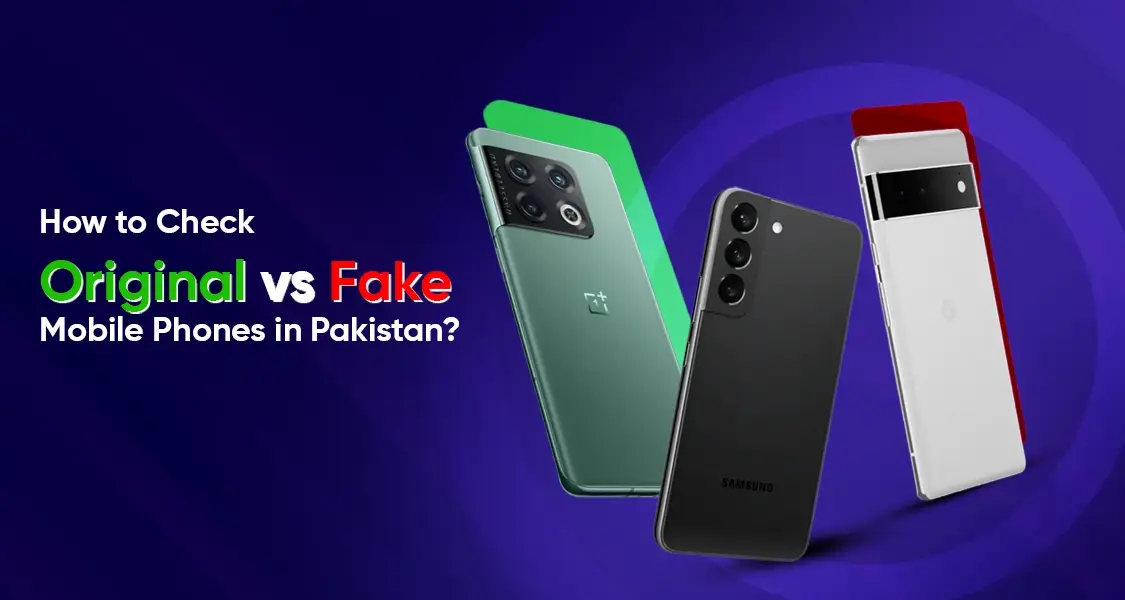
How to Check Original vs Fake Mobile Phones in Pakistan? (Complete 2026 Guide)
Walk into any local mobile market in Pakistan and you’ll notice something interesting, phones that look exactly like flagship devices but are priced suspiciously low. Sounds tempting, right? But here’s the catch: many of these are fake or cloned smartphones. The counterfeit mobile market in Pakistan has grown significantly over the past few years due to high demand for premium devices like iPhones and Samsung Galaxy series.
Why does this happen? Simple economics. Not everyone can afford high-end devices, so counterfeit manufacturers exploit this gap by producing cheap replicas. These phones often mimic the design so well that an average buyer can easily be fooled. However, under the hood, these devices are usually powered by outdated hardware, poor-quality components, and modified software.
The rise of online marketplaces has made the situation even trickier. Sellers can easily list fake devices with original images, making it harder for buyers to distinguish authenticity without physical inspection. This creates a dangerous environment where even tech-savvy users can get scammed if they’re not careful.
Risks of Using Fake Phones
Using a fake phone is like driving a car with no brakes—you might get by for a while, but eventually, things will go wrong. Fake phones come with serious risks:
- Security vulnerabilities that expose your personal data
- No software updates, leaving your device outdated
- Poor battery life and overheating issues
- Blocked network access due to PTA restrictions
Even worse, fake phones are often non-PTA approved, meaning they can stop working on Pakistani networks at any time. Imagine spending your hard-earned money only to end up with a device that becomes useless after a few weeks.
What Is PTA Approval and Why It Matters
The Pakistan Telecommunication Authority (PTA) plays a crucial role in regulating mobile devices in the country. If your phone isn’t approved by PTA, it simply won’t work on local networks. This system was introduced to eliminate smuggled and counterfeit devices.
PTA ensures that every mobile device used in Pakistan is registered and compliant with national standards. This not only helps reduce illegal imports but also protects consumers from fake devices.
Understanding DIRBS System
PTA uses a system called Device Identification Registration and Blocking System (DIRBS). Think of DIRBS as a digital gatekeeper—it checks whether your phone’s IMEI is valid and approved.
If your phone’s IMEI is not registered, it gets blocked after a certain period. This is why checking PTA approval is one of the most important steps when buying a phone in Pakistan.
Check IMEI Number – The First Step
Every mobile phone comes with a unique IMEI (International Mobile Equipment Identity) number. It’s like a fingerprint for your device—no two phones should have the same IMEI.
Fake phones often use invalid or duplicated IMEI numbers, which is a major red flag. If you want to verify authenticity, this is your starting point.
How to Verify via PTA SMS (8484)
Checking IMEI is incredibly simple:
- Dial *#06# on your phone
- Copy the IMEI number
- Send it via SMS to 8484
- Wait for a response from PTA
You’ll receive a message telling you whether the phone is compliant, non-compliant, or blocked. If it’s non-compliant, think twice before buying.
Also Read: Imported vs PTA Approved Mobile Phones – Which One is Better?
Verify Using PTA DIRBS Website
Step-by-Step Verification Process
If you prefer a more detailed check, visit the PTA DIRBS website and enter your IMEI number manually. The system will show the exact status of your device.
This method is especially useful when buying used phones. It gives you confidence that the device hasn’t been tampered with or cloned.
Check Physical Build Quality
Here’s where things get interesting. Fake phones often look convincing at first glance, but once you hold them, the difference becomes obvious. Original devices use premium materials, while fake ones feel lightweight and plasticky.
Pay attention to:
- Button placement and click feedback
- Screen quality and brightness
- Weight distribution
If something feels off, it probably is.
Logo and Branding Accuracy
Counterfeit phones often make small mistakes in branding—slightly different fonts, misplaced logos, or spelling errors. These details might seem minor, but they’re clear indicators of a fake device.
Compare Specifications with Official Website
Before buying, always check the official specifications on the brand’s website (like Apple or Samsung). Compare details such as:
- RAM and storage
- Processor type
- Camera megapixels
Fake phones often exaggerate specs or display incorrect information in settings.
Check Software and User Interface
Operating System Authenticity
Fake phones usually run modified versions of Android designed to mimic premium interfaces. For example, a fake iPhone might run Android with an iOS-like skin.
Look for:
- App Store authenticity
- System updates availability
- Pre-installed apps quality
If you see unusual apps or ads popping up, that’s a red flag.
Test Camera and Performance
Real vs Fake Camera Output
Camera quality is one of the easiest ways to spot a fake phone. Original devices produce sharp, balanced images, while fake ones struggle with:
- Poor color accuracy
- Blurry details
- Slow shutter speed
Performance is another giveaway. Fake phones lag even during basic tasks.
Verify Packaging and Accessories
Box Details and Serial Numbers
Original phones come with high-quality packaging. Check for:
- Matching IMEI on box and device
- Proper seals and labels
- Branded accessories
Fake devices often include cheap chargers and earphones.
Price Check – Too Good to Be True?
If a deal sounds too good to be true, it probably is. Always compare prices with official retailers. A massive price difference is a strong indicator of a fake or refurbished device being sold as new.
Buy from Trusted Sources Only
Buying from authorized dealers ensures authenticity. While local markets may offer cheaper prices, they come with higher risks.
Think of it this way: would you rather save a few thousand rupees now or avoid a major headache later?
Common Signs of Fake Phones in Pakistan
Fake phones often share these traits:
- Duplicate IMEI numbers
- Poor battery performance
- No PTA approval
- Fake branding
- Laggy performance
Spotting even one of these signs should raise suspicion.
How DIRBS Blocks Illegal Phones
DIRBS automatically detects non-compliant devices and blocks them from accessing mobile networks. This means you won’t be able to make calls, send texts, or use mobile data.
What to Do If You Bought a Fake Phone
If you’ve already purchased a fake device:
- Contact the seller immediately
- Report to PTA
- Avoid using the device for sensitive tasks
Unfortunately, recovering your money can be difficult, so prevention is key.
Future of Mobile Authentication in Pakistan
Pakistan is moving towards stricter regulations and advanced tracking systems. With evolving technology, detecting fake phones will become easier, reducing fraud in the market.
Conclusion
Buying a smartphone in Pakistan isn’t just about choosing the latest model—it’s about ensuring authenticity. With counterfeit devices flooding the market, taking a few extra steps can save you from financial loss and frustration. From checking IMEI numbers to verifying PTA approval and inspecting physical quality, every step matters. Think of it as a checklist that protects your investment.